

Enterprise data is growing more than twice as fast as consumer data, according to IDC, and your tech company contributes a growing share of it. Sources such as product telemetry, user behavior logs, pipeline metrics, and release cycles feed your data warehouse around the clock.
Your engineering, product, and operations teams need fast, accurate answers from that data to ship features, retain customers, and grow revenue. You’ll need the right data analytics tool to turn your raw warehouse data into decisions your teams can act on within seconds.
In this guide, we’ll compare the best data analytics tools for tech industry teams and help you find the one that works best with your tech stack.
TL;DR – Top 7 Data Analytics Tools for Tech Industry
Here’s a quick overview of the 7 platforms we’ll evaluate in detail below.
| Platform | Key Strengths |
| Zenlytic | Zoë answers complex, multi-step questions in plain English The Clarity Engine eliminates 99% of hallucinations Memories ensure consistent answers for every user Artifacts turn analysis into live, refreshable deliverables |
| ThoughtSpot | Natural language search with Spotter 3 Embedded analytics for customer-facing products SpotIQ automated anomaly detection |
| Tableau | Pixel-perfect dashboard design Broad connector library for 90+ data sources Tableau Pulse AI-driven metric summaries |
| Power BI | Deep integration with the Microsoft ecosystem DAX formulas for custom calculations Copilot for natural language queries. |
| Databricks Genie | Native lakehouse architecture at scale Unity Catalog for governance Natural language queries against live data |
| Looker | Code-defined metrics through LookML Google Cloud native integration Embedded analytics for SaaS products |
| Snowflake Intelligence | Cortex AI for in-warehouse analysis Pay-per-query consumption model Native Snowflake data governance |
Why Data Analytics Tools Matter for Tech Companies
Your tech company sits on a goldmine of data, but raw data alone won’t drive growth. You need the right data analytics platform to help your teams pull reliable answers in real time. Here’s why the tool is important.
- Faster Answers for Every Team: When your PM wants to know why feature adoption dropped 20% last sprint, they might find an ad hoc requests queue that stretches for days. An analytics tool enables your business users or non-data team members to query your data in real time, eliminating the need to wait days for help from data analysts.
- Reduced Analyst Bottlenecks: When your data team spends half the day on ad hoc requests, they can’t focus on strategic work. The right tool lets business users find answers independently.
- Unified Metric Definitions: Your sales, product, and finance teams all reference the same numbers, which eliminates the “whose number is right?” conversations that stall planning.
- Real-Time Decision Speed: Market conditions, user behavior, and pipeline health change quickly in the tech industry. The analytics tool helps your team get answers at the speed of the question.

Use Cases of Data Analytics Tools in Tech Industry
Let’s see how advanced analytics platforms deliver value in the tech sector:
- Revenue and Pipeline Health: RevOps teams can monitor deal velocity, win rates, and forecast accuracy in real time, which reduces the number of surprises you get at the end of the quarter.
- Product Funnel and Feature Adoption: You can track which features drive retention and where users drop off during onboarding, then use the insights to guide your product roadmap.
- Engineering and Infrastructure Performance: Your organization can tie system uptime and deployment frequency to customer satisfaction and impact on revenue, which helps engineering leaders advocate for resources.
- Customer Health and Churn Signals: You can spot patterns that predict churn risk, such as declining login frequency and spikes in support tickets, and intervene before you lose revenue.
7 Best Data Analytics Tools for Tech Industry
Let’s now cover each analytics tool in more detail.
1. Zenlytic
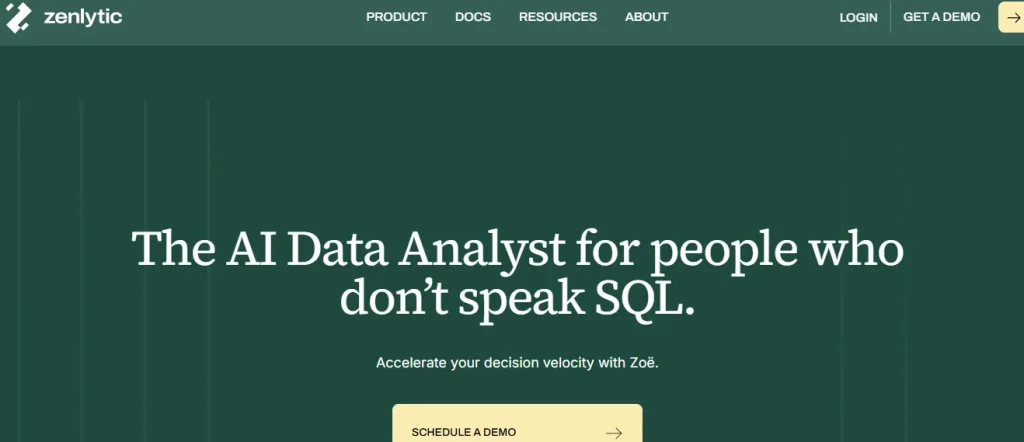
Zenlytic is an analytics agent platform built from the ground up to handle the questions that dashboards can’t answer. Zenlytic queries your data through Zoë, an AI data analyst that lets anyone in your company ask complex questions in plain English and get accurate, cited answers in seconds.
Where Legacy BI requires your people to learn a tool, build a dashboard, or wait in the analyst queue, Zenlytic takes a fundamentally different approach.
Zoë generates fresh SQL queries against your live warehouse every time and explains her reasoning in plain language. Your data team maintains full control over definitions and permissions, while every business user explores data independently.
Zoë’s trust pillars make her a uniquely capable advanced analytics tool for your team in several ways:
- Verified Accuracy Through Full Data Lineage: Every metric comes with Citations that trace back to the exact sources, tables, and formulas behind the result.
- Consistent Answers Through Automated Learning: Memories ensures Zoë gives the same answer every time, which eliminates the metric confusion that plagues most self-service analytics tools.
- Depth for the Hard Questions Your Team Cares About: The Clarity Engine combines SQL flexibility with semantic governance and eliminates 99% of hallucinations.
- Zero-Setup Onboarding with One Sync: Patterns lets Zoë learn from your existing query history in a single sync, with zero manual configuration.
- Live Deliverables That Stay Connected to Your Data: Artifacts turn your analysis into live decks, financial models, and data apps that refresh automatically.
Companies that adopt Zoë today are early adopters of a category that’s quickly becoming an industry standard. As the term “analytics agent” moves toward the early majority, the teams that build workflows around trusted AI will hold a clear advantage.
Your data holds the answers your tech team needs.
Get trusted, cited insights from Zoë.
2. ThoughtSpot

ThoughtSpot is a cloud-native analytics platform that converts your natural language questions into SQL and returns charts, tables, and automated insights.
The platform centers on AI-driven search with Spotter 3, plus SpotIQ for automated anomaly detection and embedded analytics for SaaS products.
ThoughtSpot’s search accuracy depends on extensive upfront data modeling, which creates a heavier setup burden than many ThoughtSpot competitors require.
- Use Case: Your product or operations team can run ad hoc queries against well-modeled data.
- Cost: Users must ask for a custom quote.
3. Tableau
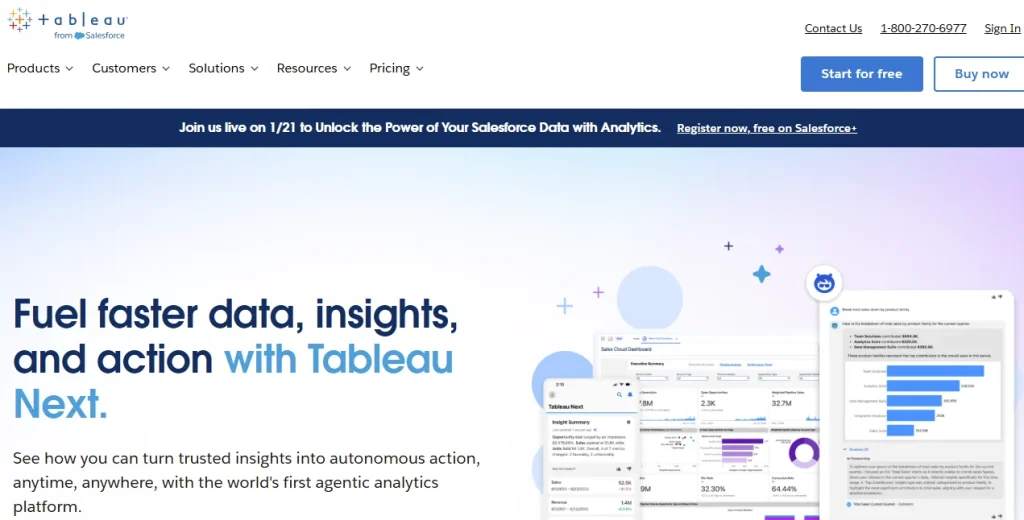
Tableau, owned by Salesforce, is a visualization-first data analytics solution that turns raw data into interactive dashboards with granular control over every chart and visual element.
The platform supports 90+ native connectors, and Tableau Pulse delivers AI-driven metric summaries through Slack, email, or Teams. While your business users can view dashboards, modifying the logic requires a Creator license and technical skills. As such, they still need data analysts whenever they have new questions.
- Use Case: Engineering leaders who need polished, presentation-ready dashboards to update investors or use in board meetings.
- Cost: Tableau’s pricing starts at $15/user/month for Viewers, $42/user/month for Explorers, and $75/user/month for Creators, all billed annually.
4. Power BI

As Microsoft’s analytics and reporting platform, Power BI draws data from different sources and turns it into visual dashboards that your team can embed in Teams or share through the Power BI Service.
Users experience key capabilities such as DAX formulas, Power Query, and Copilot for natural language queries. Copilot functions as AI layered on top of a dashboard framework, a key ThoughtSpot vs Power BI difference that limits multi-step exploration.
- Use Case: RevOps and finance teams that run on Microsoft 365 and Azure get seamless integration.
- Cost: Pro costs $10/user/month, and Premium costs $24/user/month.
5. Databricks Genie
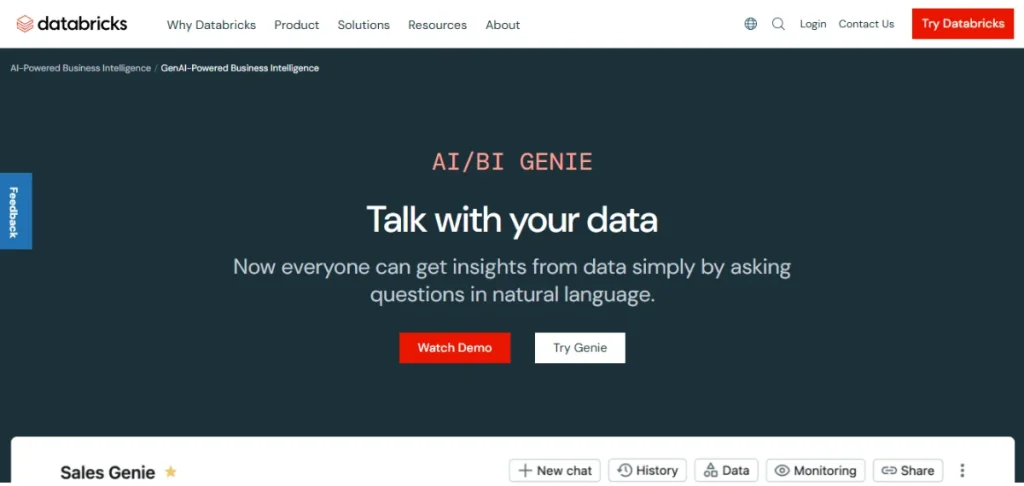
Databricks Genie is the conversational analytics interface within the Databricks Data Intelligence Platform, translating natural language questions into SQL against data in the lakehouse.
The tool’s core capabilities include Unity Catalog for governance, petabyte-scale support, and native connectivity to the broader Databricks ML tech stack. Your organization must create detailed instruction sets before your business users can query any data.
- Use Case: Teams already committed to Databricks for data engineering and ML workloads get analytics without adding a new vendor.
- Cost: Consumption model based on Databricks Units (DBUs).
6. Looker

Looker, part of Google Cloud, is a code-first analytics platform where your data team defines every metric and relationship through LookML, a version-controlled modeling language.
Looker’s core capabilities include a governed semantic layer for metric consistency, native BigQuery integration, and embedded analytics for SaaS teams.
LookML requires specialized expertise, which means your business users still have to depend on the data team before they can explore.
- Use Case: Data teams that want strict governance and code-driven metric definitions.
- Cost: Users have to ask for a custom quote.
7. Snowflake Intelligence

Snowflake Intelligence is a conversational analytics layer within the Snowflake Data Cloud, using Cortex AI to convert plain English queries into SQL.
Users can expect core capabilities such as native governance through role-based access controls, pay-per-query consumption pricing, and tight integration with the Snowflake ecosystem.
Cortex’s conversational depth is newer than that of dedicated analytics agent platforms, a common pattern among big data analytics tools that add conversational layers to existing infrastructure.
- Use Case: Analytics teams that run their full data stack in Snowflake can consolidate in a single platform.
- Cost: Credit-based consumption model.
How to Choose the Right Data Analytics Tool for Your Tech Company
With 7 strong platforms on the table, your final decision depends on the following realities, which differ from team to team.
- Your Warehouse Compatibility: Confirm the tool connects natively to your warehouse, whether you use Redshift, Snowflake, BigQuery, or Databricks.
- Team Skill Level: If your business users can’t adopt the tool within the first week, they’ll end up back in the analyst queue.
- Depth of Explainability: Can the platform show you exactly how it calculated every metric? Black-box AI that doesn’t explain its logic and answers creates trust problems that undermine adoption.
- Time to Value: Some platforms require months of setup. Others let you sync your query history once and start asking questions the same day.
Emerging Trends in Data Analytics for Tech Industry
The analytics space for tech companies is evolving fast. The following major changes will shape your platform decisions in the coming months.
- Agent-Driven Analytics Over Dashboard-Centric BI: Your data teams will spend less time building dashboards, while your business teams will spend more time asking questions directly. Analytics agents make it easier to compose queries and follow up through extra questions.
- Explainable AI as Table Stakes: Every answer now needs to be backed by data lineage that your leaders can verify before they act.
- Live Deliverables That Replace Static Exports: Decks and reports will increasingly stay connected to your warehouse and refresh automatically, which eliminates hours of manual rework.
Frequently Asked Questions (FAQs)
Let’s close with the questions tech teams ask most when evaluating data analytics platforms.
What Is the Cost Range of Data Analytics Tools for Startups?
The cost of data analytics tools for startups varies widely.
More affordable platforms like Power BI will cost you from $10/user/month. Tableau costs $15 to $75/user/month. Enterprise platforms typically cost tens to hundreds of thousands of dollars per year, but you can expect custom pricing based on your team’s needs.
How Long Does It Take to Implement a Data Analytics Tool?
The time your company takes to implement a data analytics tool will depend on the platform and your readiness. Legacy BI tools like Tableau often require 3 to 6 months of setup and dashboard creation. Zenlytic compresses that timeline through Patterns, which lets Zoë learn from your existing query history in a single sync.
Can Data Analytics Tools Scale With Company Growth?
Many data analytics tools can scale with your company when they’re cloud-native. Databricks Genie and Snowflake Intelligence grow alongside your compute capacity. Zenlytic scales by learning your evolving business context through Memories and the Clarity Engine, getting more accurate as your teams ask more questions.
How Do Cloud-Based Analytics Tools Compare to On-Premise Solutions?
Cloud-based analytics tools are better in that they offer faster deployment, lower maintenance, and automatic updates. On-premise platforms give you more control over where your data resides.
Most tech companies choose cloud-based advanced analytics platforms because they match most modern data stacks and eliminate the need for dedicated infrastructure teams.
Conclusion
Choosing the right analytics platform for your tech team requires you to evaluate your data stack, the depth of questions you need answered, and your team’s skill level. The best data analytics tools for tech industry teams deliver trust, speed, and ease of adoption, helping every team move from question to decision faster.
We built Zoë to close the gap between your team’s questions and the trusted answers they need. Our Clarity Engine eliminates 99% of hallucinations. Memories keep your metrics consistent for every user, while Artifacts turns your analysis into live deliverables that refresh alongside your data.