

Are your analysts drowning in ticket requests while business teams wait days for simple answers? Is your data team spending hours writing SQL queries instead of solving the problems that matter the most?
Many organizations face similar struggles. Legacy BI tools promised self-service analytics but failed to deliver, as their dashboards still require users to ask data analysts for help.
Even when AI is layered on top of most legacy platforms, the result is more black-box frustration than helpful answers.
Conversational analytics software solutions represent a fundamental shift where, instead of another dashboard feature, you get an entirely new way to interact with your data.
These tools let anyone ask questions in natural language and get instant data insights, without SQL knowledge or input from the data team.
In this article, we’ll explore the top platforms transforming how teams access and use data.
TL;DR – Best Conversational Analytics Software
Here are eight tools helping teams get instant answers from their data through natural language conversations.
We’ll discuss each one in detail later in the article:
| Software | Features | Benefits | Ideal Use-Case |
|---|---|---|---|
| Zenlytic | AI analyst Zoë, Clarity Engine, Memories, Citations, Enterprise governance | Time savings for data teams, Trusted explainable answers, Handles complex questions | Mid-market to enterprise teams looking for deep exploratory analysis with full trust and explainability |
| ThoughtSpot | Search-driven queries, Instant visualizations, AI Spotter | Intuitive Google-like experience, Fast data exploration | Teams looking for familiar search interfaces for quick data exploration |
| Microsoft Power BI with Copilot | Natural language reporting, Azure integration, Copilot assistance | Seamless Microsoft ecosystem fit, Familiar Office interface | Organizations that already use Microsoft 365 and Azure infrastructure |
| Tableau Pulse | Proactive insights, Visual storytelling, AI-powered analytics | Beautiful polished dashboards, Strong visualization capabilities | Teams that prioritize visual representation and existing Tableau investments |
| Looker with Gemini | Gemini AI integration, Cloud-native platform, LookML modeling | Unified Google Cloud environment, Direct BigQuery connection | Google Cloud users who need tight BigQuery integration |
| Sigma | Spreadsheet interface, Formula support, Live warehouse queries | Excel-like familiarity, No data extracts needed | Teams that prefer spreadsheet-style workflows for data analysis |
| Qlik Sense | Associative engine, Real-time calculations, Natural language queries | Complex relationship analysis, On-the-fly associations | Organizations that prioritize associative data exploration across relationships |
| Domo | All-in-one platform, 1000+ connectors, End-to-end workflows | Complete data ecosystem, Everything in one place | Teams that want a unified platform for integration, transformation, and analytics |
What is Conversational Analytics Software?
Conversational analytics software is an AI-powered data analysis tool that lets you ask various questions about your data in everyday language, without writing code.
For example, you can type “What were our top products last quarter?” and get charts, tables, or summaries instantly.
These software systems use natural language processing (NLP) to understand your questions and generate accurate responses from your data warehouse.
The goal is simple: make data accessible to everyone, not just technical experts, which ensures non-data team members or business users don’t have to wait for days or weeks for detailed answers.

Benefits of Using Conversational Analytics Software
The transformational shift from dashboards to conversational data analytics changes how organizations actually use data and leads to tangible benefits, such as:
- Questions Finally Get Asked: Most staff members never ask 70% of the data questions they have because requesting analyst time feels like too much hassle. When non-data teams can easily access and analyze data, those questions get answers, and they are often the ones that reveal breakthrough insights.
- Increased Data Adoption: When asking questions feels like chatting, more people actually use data. Sales reps can check their numbers, while product managers can explore user behavior at scale.
- Faster Decision-Making: You get answers in seconds instead of waiting days for analyst support. For instance, your marketing managers can even check campaign performance mid-meeting.
- Reduced Data Team Burden: AI conversation analytics software handles routine questions automatically. Your analysts spend time on strategic work instead of writing the same queries repeatedly.
- Deeper Exploration: Follow-up questions happen naturally. For example, you can ask “why did sales drop?” then immediately dig into specific regions or products without starting over.

Features to Look for in a Conversational Analytics Tool
To pick the right platform, it’s important to understand what separates good AI analytics tools from great ones.
You’ll want to ensure the tool you choose has key features such as:
- Natural Language Understanding: The tool should maintain context across conversations, not just parse individual questions. Can you ask questions such as “Show me our sales for this quarter” and follow up with “Break that down by region” without repeating yourself? Does the agent clarify questions when your intent is ambiguous?
- Explainability and Trust: Conversational analytics platforms must show their work. You need to see how the answers were calculated because explainability in answers builds trust and matters more than speed when making business decisions.
- Data Governance and Security: Row-level permissions ensure people only see data they’re allowed to access, while audit trails track who asked what.
- Integration Capabilities: Your tool needs to connect with your existing data infrastructure. Look for native connections to BigQuery, Snowflake, and other major tools.

Top 8 Conversation Analytics Tools
Now, let’s look at the platforms actually solving these problems for real teams:
1. Zenlytic
We built Zenlytic to answer a simple question: Can an AI actually become your trusted data coworker?
The answer is yes, because we incorporated trust into the architecture of Zoë, our AI data analyst, from day one through its ability to explain its answers.
In addition to returning results, she also explains her reasoning, shows her work, and builds trust this way in every answer.
Legacy BI tools only give you black-box answers that you can’t verify. We built Zoë differently, with explainability as the foundation rather than a mere feature.
Your teams can use Zoë to explore data conversationally and get the depth they need without bothering analysts.
Here’s why our tool stands out:
- Accuracy Through Advanced Context: Zoë uses sophisticated technology to answer questions more accurately than other analytics agents. She understands your business definitions, relationships between metrics, and how different data sources connect.
- Consistency Via Automated Learning: Memories ensures Zoë gives the same answer every time someone asks the same question. She learns while you work, updating her internal knowledge automatically. This matters in data work where consistency builds confidence.
- True Depth for Hard Questions: Most tools handle simple queries. Zoë was built for the complex questions that actually move businesses forward. For example, product managers can ask about user behavior patterns, while operations leaders can dig into supply chain bottlenecks.
- Complete Explainability: The Clarity Engine translates Zoë’s advanced SQL into metrics anyone can understand. Every calculation includes full data lineage citations. You see exactly where numbers come from and how they were calculated. For example, when Zoë shows your customer acquisition cost, she breaks down the marketing spend sources, new customer counts, and calculation method.
- Enterprise-Grade Security: Zoë applies the same data governance you’d expect from any enterprise analytics platform. Users only access data they’re permitted to see. Your team members don’t require SQL knowledge, but security stays tight.
Teams using Zenlytic get 50% of their data team’s time back while empowering business users to find answers independently.
Book a demo today to get started.
2. ThoughtSpot
ThoughtSpot pioneered search-driven analytics with its “Google for data” approach. Their platform, Spotter, allows natural language queries that return instant visualizations.
The tool excels at making data exploration feel intuitive. Business users type questions and get charts without thinking about underlying table structures.
However, the platform requires significant upfront modeling work. Your data team needs to build comprehensive worksheets before users can search effectively.
The learning curve for admins is steeper than for other similar tools.
3. Microsoft Power BI with Copilot
Power BI added conversational features through Copilot, bringing AI to Microsoft’s established platform.
For organizations already using Microsoft 365 and Azure, the integration is seamless. Copilot helps users build reports through natural language and answers questions about existing dashboards.
The limitation is that Copilot requires expensive Fabric or Premium licenses. Features feel bolted onto an existing tool rather than built from the ground up for conversations.
Also, true self-service analytics still requires DAX knowledge for complex scenarios.
4. Tableau Pulse
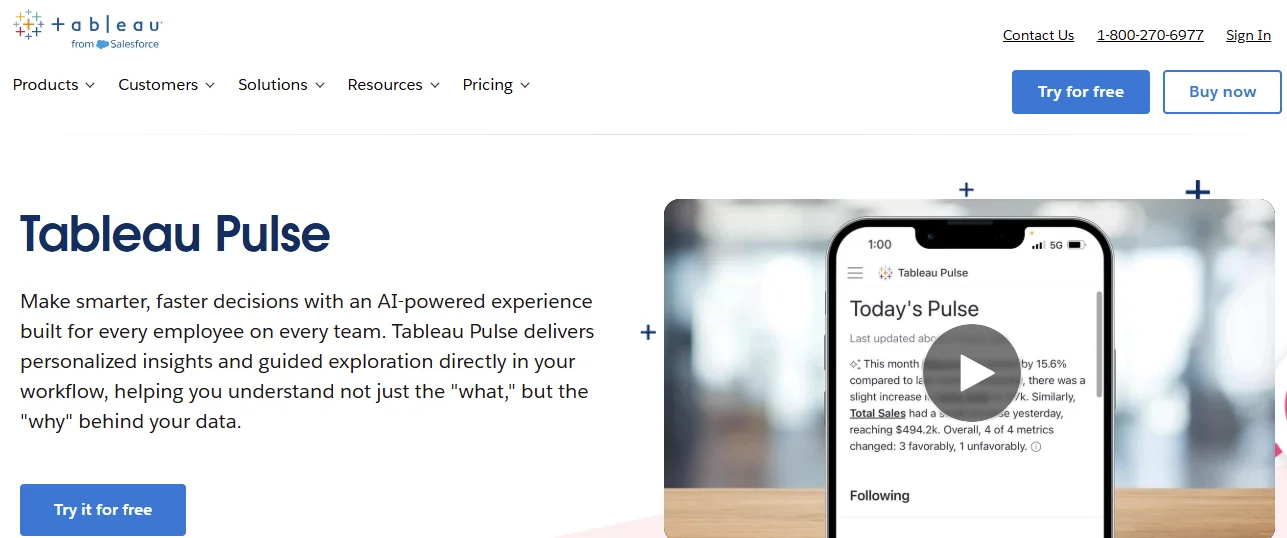
Tableau brought conversational analytics thinking systems to business intelligence through Pulse. The platform delivers insights proactively and answers questions about visualizations.
Tableau’s strength remains visual storytelling with polished charts and dashboards.
The challenge is that AI feels secondary to Tableau’s core experience. Setting up semantic systems for accurate natural language queries requires technical knowledge.
The tool works better for users who need to view existing dashboards than for true exploratory analysis.
5. Looker with Gemini
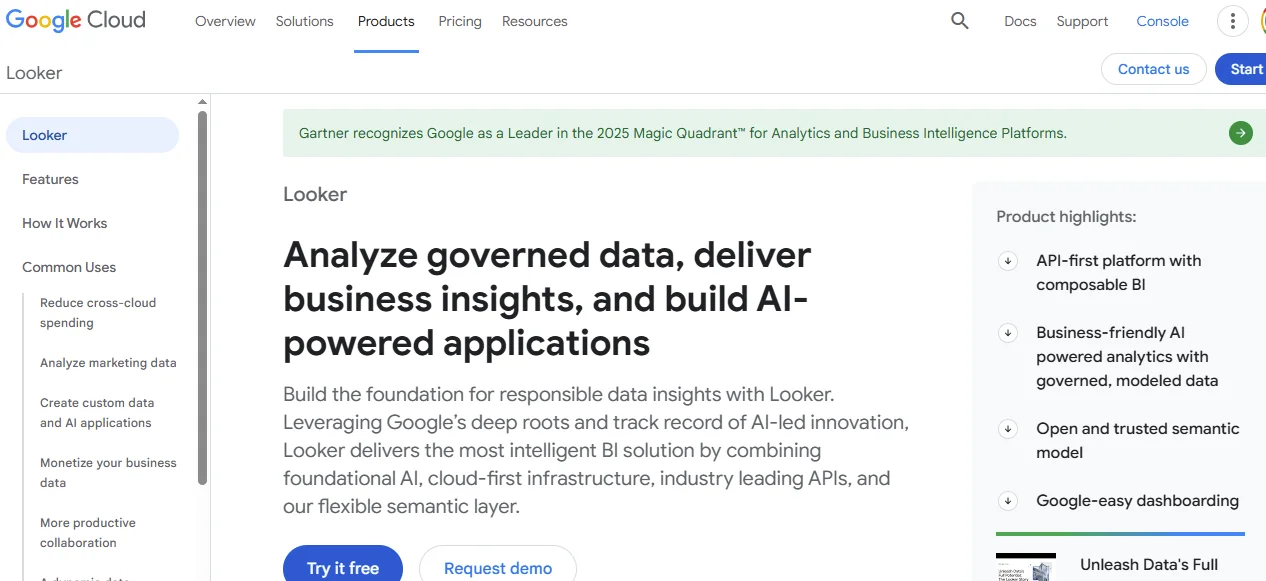
Google’s Looker now includes Gemini for conversational analytics. The integration brings natural language querying to Looker’s cloud-native tool, creating a unified environment for teams that use or are planning to use Google Cloud and BigQuery.
Gemini answers questions and generates Looker Studio charts on the fly.
The downside is complexity. Looker’s LookML modeling language has a steep learning curve. Gemini helps, but you still need technical resources to set up and maintain models properly.
6. Sigma
Sigma takes a different approach by making analytics feel like working in spreadsheets.
The interface looks familiar to people who have used Excel or Google Sheets.
Sigma adds conversational elements to general business data, enabling users to write formulas and ask questions in a spreadsheet-like environment.
The weakness is that spreadsheet paradigms limit how conversations flow.
You can’t naturally ask follow-up questions or pivot analysis directions the way you would in a dialogue. Each question requires manual formula adjustments and cell references.
These issues break the conversational experience.
7. Qlik Sense
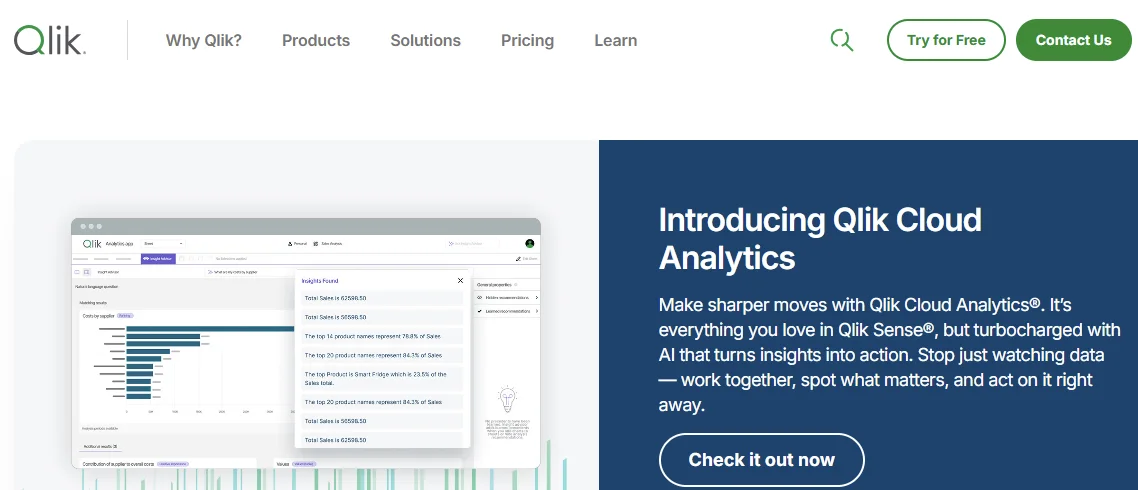
Qlik Sense uses associative analytics to help users explore data relationships. Its engine doesn’t pre-aggregate data; instead, it calculates associations on the fly.
The platform added natural language features that let users ask questions and get visualizations.
However, Qlik Sense’s interface feels dated compared to newer AI conversation analytics software.
The tool requires significant training for both developers and end users, and its setup complexity can slow initial adoption.
8. Domo
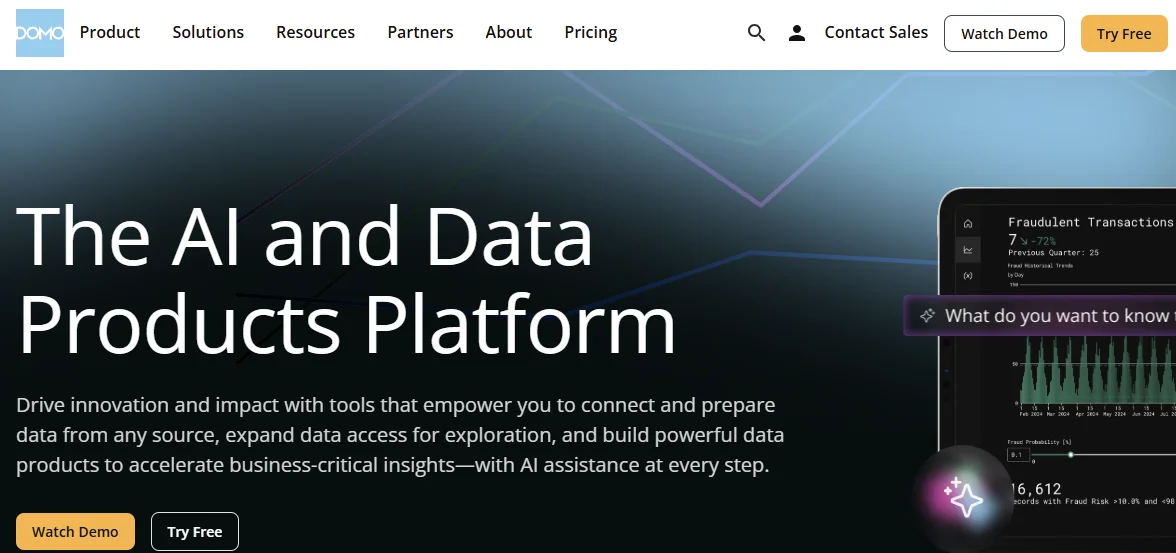
Domo positions itself as an all-in-one platform that handles data integration, transformation, visualization, and, now, conversational analytics.
The ecosystem includes connectors for hundreds of data sources.
The challenge is that Domo’s breadth means less depth in specific areas. The tool’s conversational features lag behind purpose-built solutions.
The platform works for teams that want everything in one place, even if individual components aren’t best-in-class.
How to Choose the Right Conversational Analytics Platform for Your Team
Your choice will determine whether your team will actually use the tool or revert to asking analysts for help. Here’s how to pick wisely:
- Assess Your Data Infrastructure: Start with what you already have. Which cloud warehouse do you use? Pick a platform with strong native integrations, especially to the data warehouse you already use.
- Define Success Metrics: Decide what matters most. Do you need to reduce the ticket volume for each data analyst or increase data adoption across teams? Your goals will determine which features matter.
- Consider Technical Resources: Some platforms require heavy upfront modeling, while others work with minimal setup. Match the tool to your team’s capacity, ensuring you can start using it immediately and have it refine its knowledge and answers over time.
- Test with Real Users: Run pilots with actual business users in addition to data teams. Can marketing managers actually get answers? Real usage can reveal whether conversations work as advertised.
The best way to evaluate each tool you shortlist is to request product demos or free trials, depending on what the platform offers.
You’ll be able to see which tool best fits your needs based on the available features.

Common Challenges and How to Solve Them
Successful implementation depends more on avoiding predictable mistakes that most organizations make when deploying conversational analytics.
Ensure you watch out for issues such as:
- Inaccurate Answers: Poor data quality or incomplete semantic models lead to wrong results. Start with high-quality, well-documented data sources and build context gradually based on actual user questions.
- Low Adoption: Most users revert to old habits when new tools feel complicated. You can train technical and non-data teams using realistic examples and underscore the tool’s importance. You can also show quick wins that solve actual problems they face daily.
- Governance Concerns: Security teams usually worry about who can access what through conversational natural language interfaces. Look for a tool that implements row-level security from day one and has built-in enterprise-grade governance.

Frequently Asked Questions (FAQs)
Here are answers to common questions about conversation analytics solutions:
How Quickly Can Businesses See ROI From Implementation?
Many organizations that implement conversational analytics typically see ROI within days or weeks, depending on their objectives.
Data teams report significant time savings on ad hoc requests from the outset.
Non-data team adoption also drives real value when members start asking questions they previously left unasked, which increases decision velocity.
What Data Sources Can Be Connected to Conversational Analytics Tools?
Leading platforms connect to major cloud data warehouses such as Databricks, Snowflake, Redshift, and BigQuery.
Many also integrate with CRM systems, marketing platforms, and financial tools.
The main question is whether the tool queries your data directly in the warehouse or requires data copies.
What is the Cost Range for Conversational Analytics Software?
The cost of conversational analytics software varies widely based on features and scale.
Entry-level plans usually start around a few hundred dollars per month for small teams.
Enterprise implementations with advanced governance often cost tens of thousands of dollars annually.
Most vendors use per-user or per-query pricing systems that scale with adoption.
Is It Possible to Build Custom AI Models Within these Tools?
Most conversational analytics platforms don’t let you develop custom AI models. They only use their own language learning models (LLMs).
But you can customize semantic layer definitions, business logic, and metric calculations.
Purpose-built analytics agents learn your business and data context progressively without requiring you to train models, which means you customize through usage rather than engineering.
Conclusion
While traditional BI vendors scramble to add AI features to decades-old architectures, purpose-built conversational analytics platforms are already empowering teams to work fundamentally differently.
Your analysts stop drowning in repetitive tickets, and your business teams stop waiting days for simple answers. The 70% of questions that never got asked finally get explored.
We built Zenlytic to make this vision a reality for data-driven businesses and organizations that want to empower both data and non-data teams with greater access to data.
Zoë helps your teams move from reactive reporting to proactive decision-making with detailed citations, proactive analytics, and contextual memories.
Ready to see the difference?
Request a demo to see how our platform can help you transform how your teams access and use data.