

Markdowns hit too late. Stockouts blindside your sales team right in the middle of peak season. All this because the margin report from last week took your team 6 hours to pull together across 3 separate systems before anyone could trust a single number.
Too many retail teams make huge inventory calls on stale data, leading to massive losses.
In this guide, we’ll walk through 8 retail analytics solutions that help you close the gap between raw data and real revenue.
TL;DR – Top 8 Retail Analytics Solutions
Here’s a quick snapshot of the 8 platforms for retail industry data analytics we cover in this article:
| Solution | Key Features |
|---|---|
| Zenlytic | Natural language Q&A, Automated semantic layer, Full data lineage, Proactive alerts |
| Alloy | SKU-store level demand visibility, 850+ retail and ERP connectors, Predictive forecasting, Agentic AI workflows, Phantom inventory detection, Scenario simulation |
| ThoughtSpot | Keyword search, AI summaries, Embedded retail dashboards |
| Tableau | Drag-and-drop visuals, Community templates, Tableau AI queries |
| Power BI | Excel and M365 ties, Copilot AI assistant, DirectQuery for live data access |
| Databricks Genie | Lakehouse-native queries, Unity Catalog governance, Notebook workflows |
| Looker | LookML semantic layer, Gemini AI features, Embeddable dashboards |
| Snowflake Intelligence | Warehouse-native AI queries, Cortex LLM features, Role-based governed access |
Your best choice will depend on your data stack, your team’s technical depth, and how much trust you need from every answer.
What Are Retail Analytics Solutions?
Retail analytics solutions are platforms that turn raw store, website, and supply chain data into clear signals for revenue, margin, and demand. They serve merchandisers, procurement personnel, operations leads, finance teams, and marketers who need answers without SQL or multi-day waits for analysts.
A strong platform for AI retail data analytics unifies your POS records, e-commerce events, inventory feeds, and customer behavior data for full cross-channel visibility.
The best ones go beyond dashboards and let you ask questions in plain English, verify every answer, and act on insights the same day.
The value from these platforms comes in various key forms.
Benefits of Data Analytics for Retail

Here’s where data analytics for retail delivers the most value:
- Accurate Demand Forecasts: You cut overstock and stockouts when your platform combines and assesses sell-through rates, weather data, and seasonal trends.
- Sharper Price Moves: Your team adjusts markdowns and promotions based on real-time margin data across online and offline channels.
- Full Profit Visibility: You see the true cost of every SKU after you factor in returns, freight, and fulfillment fees.
- Faster Answers for Every Team: Your category managers, procurement personnel, and marketers find answers on their own, which frees your data team for strategic work.
The type of analytics you need depends on where your team stands today.
Types of Retail Data Analytics Solutions
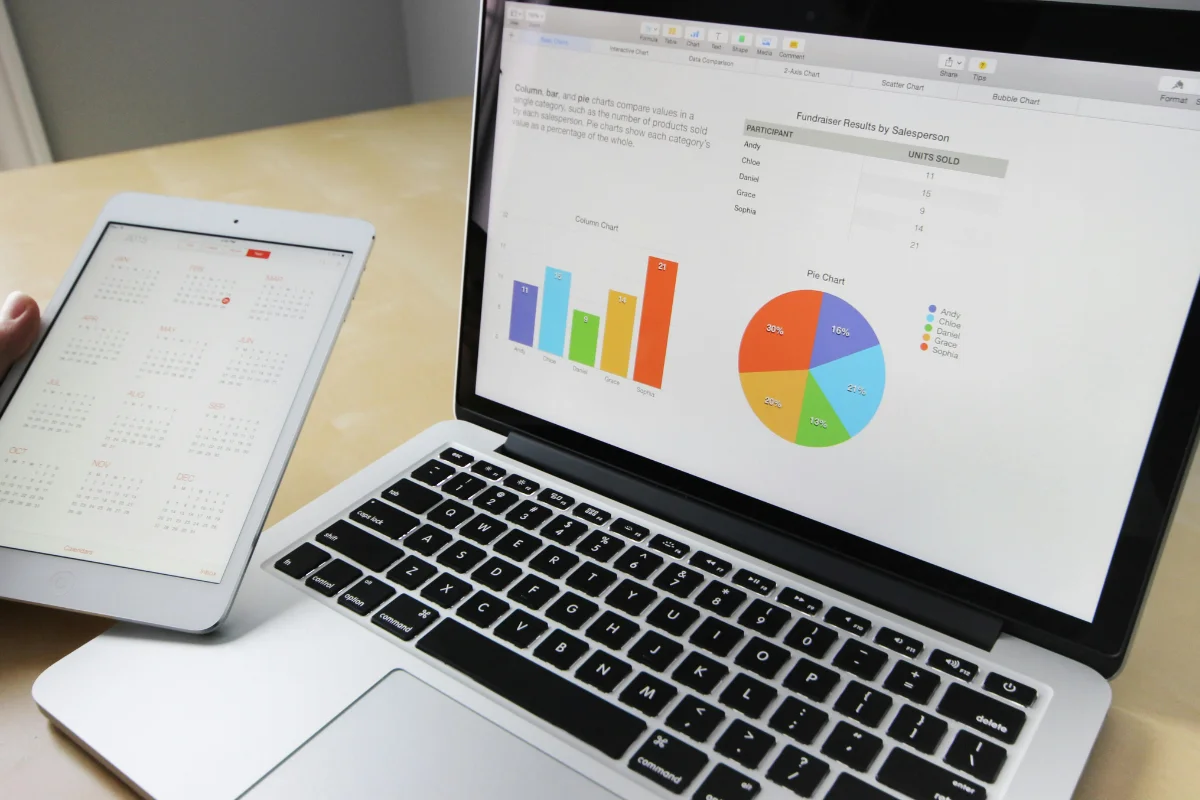
Different stages of your retail cycle call for different kinds of analyses.
Big data analytics solutions fall into the following 4 main categories:
- Descriptive Analytics Tools: You can use these to look at past performance, such as last quarter’s revenue by channel or average basket size by region.
- Diagnostic Analytics Tools: These help you dig into why a metric changed. For instance, why did your e-commerce sales returns spike in February?
- Predictive Analytics Tools: You can use these to forecast demand or sell-through rates with historical data. Platforms that handle predictive retail trend analysis surface patterns months before they hit your P&L.
- Prescriptive Analytics Tools: These provide recommended next steps, such as which SKUs to mark down before dead stock piles up.
Most retail teams need all 4 to move from raw data to confident next steps, and the good news is you can get all of them in a single modern tool instead of disparate platforms.
Key Capabilities of a Retail Data Analytics Platform
Your platform’s capabilities determine whether your team can act on what the data reveals.
Let’s check out the essentials you can’t forgo for helpful data analytics in retail:
- Cross-Channel Visibility: You need unified views of online, in-store, and marketplace data in a single place.
- Automated Anomaly Alerts: The platform should flag unexpected demand shifts or margin drops before your team discovers them, allowing you to act early.
- Natural Language Access: Your business users should be able to ask questions without SQL or query-builder expertise.
- Governed Metrics: Every person who asks the same question should get the same answer, every time.
Without these fundamentals, your team stays stuck in the analyst queue. The tools below deliver these capabilities in different ways.
8 Best Retail Analytics Solutions
The right platform for your retail team depends on your data stack, your end users’ skill level, and the depth of analysis you need.
Here are the top solutions:
1. Zenlytic
Zenlytic is an AI analytics agent that gives every person on your retail team the ability to ask complex, multi-layered questions in plain English and get trusted, governed answers from your data warehouse.
The platform serves mid-market and enterprise retailers that run on data warehouses such as Databricks, Snowflake, Redshift, or BigQuery.
Zenlytic’s Zoë operates on a governed semantic layer and delivers cited, explainable results to anyone on the team. This reduces the dependence on data engineers.
The data team maintains full control over definitions while business users explore on their own.
Here’s what trust looks like for your retail big data analysis team:
- Accurate Forecasts with the Clarity Engine: The platform’s Clarity Engine blends SQL depth with semantic layer transparency, which keeps your demand forecasts and price analyses accurate, deep, and explainable.
- Consistent Answers Through Memories: Zoë’s Memories feature ensures that when 3 different users ask the same question, they all receive the same trusted answer.
- Verified Numbers with Citations: Full data lineage through Citations means your team can verify results before they reach the CFO.
- Early Anomaly Alerts with Patterns: The Patterns feature flags margin, demand, or returns anomalies before your team discovers them the hard way.
- Reusable Analyses with Artifacts: Your team can save, share, and reuse Zoë’s branded Artifacts, which eliminates duplicate effort across departments.
Retailers such as J.Crew and Stanley Black & Decker already rely on Zoë for these exact capabilities. They represent the first wave of analytics agent adopters, with the broader market close behind as the category matures.
Looking to get started?
2. Alloy
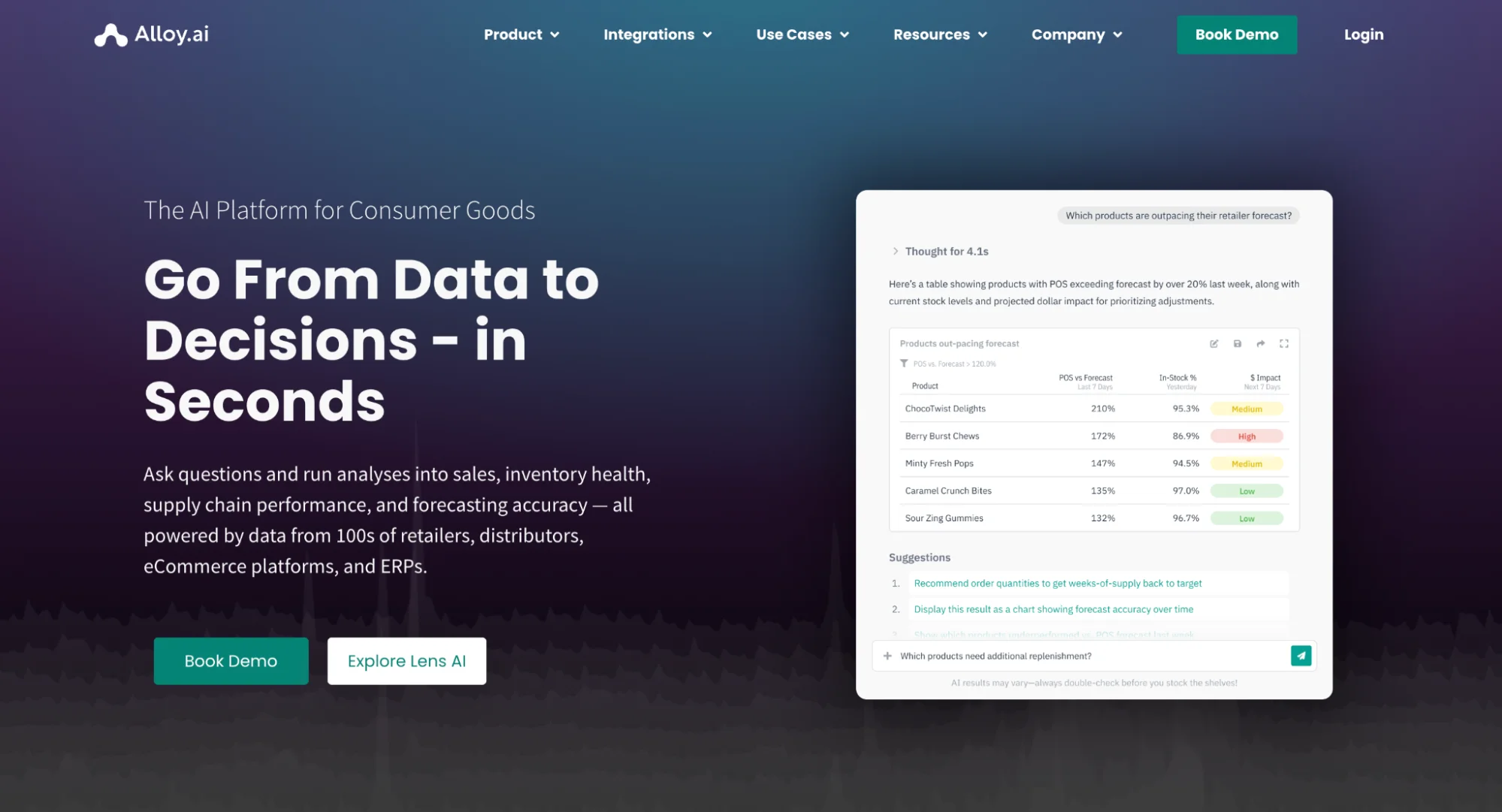
Alloy.ai is a retail analytics and demand planning platform built for consumer packaged goods brands that sell through large retailers and ecommerce channels. The platform connects retailer POS data with inventory, ERP, and supply chain systems to give teams near real-time visibility into demand at the SKU-store level.
One of Alloy.ai’s biggest differentiators is its network of more than 850 pre-built retail and ERP integrations, which helps brands centralize data without long implementation cycles. The platform also helps teams identify phantom inventory issues and improve demand forecasting using continuously updated retail sales data.
Brands like Edgewell Personal Care and Melissa & Doug have used Alloy.ai to reduce manual reporting work and gain better visibility into retail performance.
3. ThoughtSpot

ThoughtSpot gives your retail team a search-based interface for quick metric lookups across sales, inventory, and customer data, with AI-generated summaries.
While the platform is ideal for straightforward questions, complex retail analysis beyond search-based business intelligence requires your analysts to structure data in advance.
4. Tableau
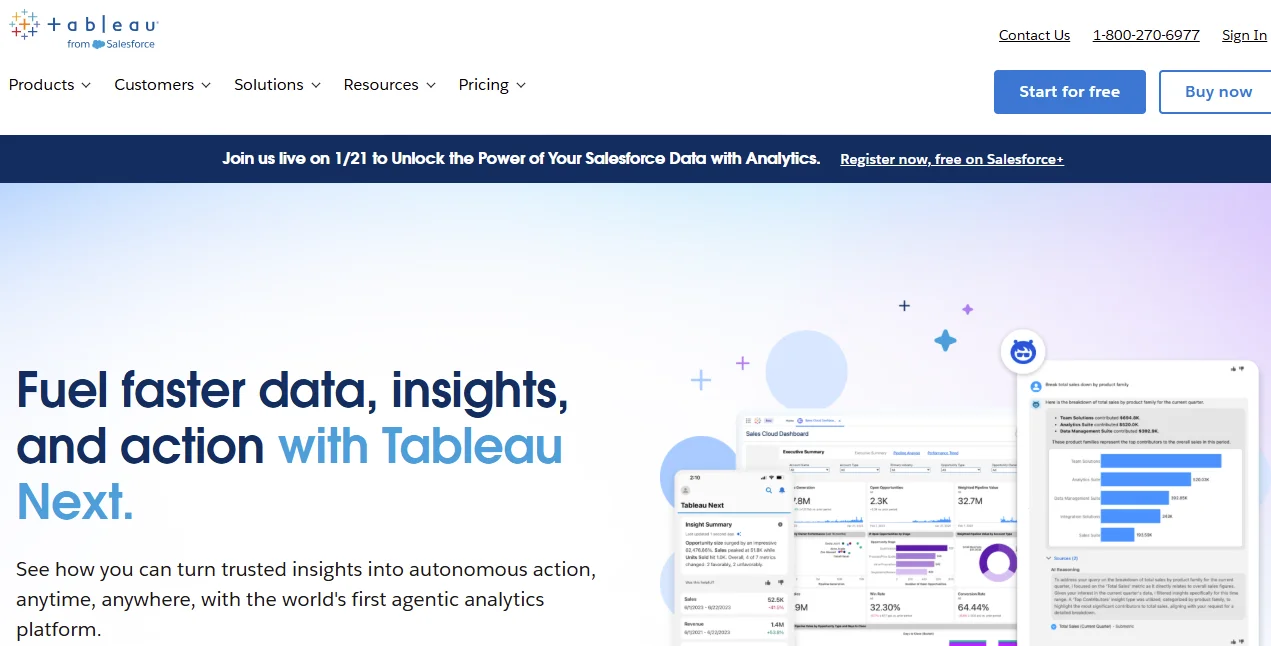
With Tableau, users get AI-powered natural language query capabilities alongside powerful drag-and-drop dashboards for sales, supply chain, and customer data.
Your retail team gets deep visual control, but business users still have to depend on a skilled analyst to build each view. Additionally, any questions that fall outside pre-built dashboards still require manual work.
5. Power BI
Power BI fits retail teams inside the Microsoft ecosystem, with tight Excel and M365 ties plus Copilot for AI-assisted analysis.
If you need in-depth retail analyses, such as breaking down margins or comparing cross-channel demand, you must use custom DAX formulas and analyst support.
6. Databricks Genie
Databricks AI/BI Genie draws on the Databricks Lakehouse and lets your retail team run governed data queries in plain English.
The solution works best when your data engineers manage the underlying models, which keeps them in the loop for most retail questions.
7. Looker
Looker provides a governed analytics layer through LookML for retail industry data analysis across sales, product, and customer data.
LookML takes real effort to set up and maintain as your business evolves, while Gemini AI features are still catching up with dedicated analytics agent platforms.
8. Snowflake Intelligence
Snowflake Intelligence brings AI queries inside your Snowflake warehouse through Cortex LLMs.
Your analysis stays within the Snowflake environment, which works best for teams that run their full big data retail analytics stack there.
Retail Data Analytics Case Study
The best proof of any analytics platform shows up when a real team puts it to work.
LOLA, a DTC personal care brand, struggled to see when and where it lost subscribers. Their previous analytics tools could not pinpoint where subscriber revenue dropped.
After the team adopted Zoë, they identified the specific drivers behind changes in recurring revenue and used those insights to fight customer churn. Over 12 months, LOLA reduced its churn rate by 10%.
Kelly Murphy, VP of Direct to Consumer and Amazon at LOLA, shared her experience:
“Having Zoe has been such a huge help. I can type what I need without worrying about that usual learning curve that comes with data tools. Honestly, I start about 80% of my queries with Zoe now.”
Such results show what’s possible when every team member can access trusted data without waiting for an analyst’s help.
Factors to Consider When Choosing a Retail Analytics Platform
Now that you’ve seen the 8 platforms, the question is which one fits your team.
These 3 factors matter most:
- Your Data Stack: Your platform should connect natively to your warehouse, whether you run BigQuery, Databricks, Snowflake, or Redshift.
- Your Team’s Technical Skill: Pick a platform that matches your end users. Are they SQL-fluent analysts? Or business leads with no data background?
- Trust and Governance: Make sure your platform delivers governed, consistent answers with full transparency into every metric.
All these factors point you toward the right tool, but you are likely to face various hurdles when rolling out the platform.
Common Challenges in Retail Data Analysis
Here are the 3 friction points your retail analytics team should prepare for:
- Siloed Data Sources: Your POS, e-commerce, and ERP data often live in separate systems that require significant effort to unify.
- Low User Uptake: Business users will avoid tools that require SQL expertise or a data science degree.
- Inconsistent Metric Standards: When 3 teams define “revenue” in 3 different ways, you end up with 3 conflicting answers.
The right platform addresses these challenges through built-in governance and natural language access, ensuring a smoother implementation and a shorter time-to-value.
The Future of Data Analytics in the Retail Industry
The next wave of retail analytics and data-driven insights belongs to autonomous agents that anticipate your questions before you ask them.
These capabilities are closer than most retailers think:
- Automated Scenario Tests: You’ll run “what-if” questions about tariff changes, new store openings, or promotion strategies in seconds, with full data lineage behind every answer. Stanley Black & Decker already uses Zoë to simulate the impact of tariffs on raw material margins, helping them react before their competitors.
- Cross-Channel Agent Workflows: Your AI analyst will connect insights from your e-commerce platform, in-store POS, and supply chain data into a unified analysis thread.
- Always-On Decision Support: Your analytics agent will deliver scheduled updates to your inbox or Slack channel each morning, with the 3 or 4 metrics that need your attention most.
Retailers that embrace AI retail data analytics early will make faster, more confident decisions while everyone else is still waiting on slow, manual reporting cycles.

Frequently Asked Questions (FAQs)
What Data Sources Are Most Valuable for Retail Insights?
Your highest-value sources include POS records, e-commerce purchase data, inventory feeds, and customer behavior signals from loyalty programs.
When you combine all of these in a single warehouse, your analytics platform will be able to deliver cross-channel visibility that no single source can provide on its own.
What Metrics Matter Most for Retail Performance Tracking?
You’ll want to track gross margin by SKU, sell-through rate by channel, cost of customer acquisition, and return rate by category.
These metrics help your team spot problems before they become expensive. The best platforms let you access these metrics with a single natural-language query.
How Long Does It Take to See Value From Analytics?
Most teams see value within weeks if the platform connects to your current warehouse.
Real ROI shows up within 60 to 90 days, once your business users begin to ask questions on their own without help from analysts.
Conclusion
The right retail analytics solutions turn raw data into revenue, margin, and demand signals that your whole team acts on. Tableau and Power BI still require analyst-built dashboards for every new question.
ThoughtSpot and Looker require significant upfront data work, while Snowflake Intelligence and Databricks Genie keep your analysis locked within a single ecosystem.
An analytics agent that combines trust, explainability, depth, and natural language access represents a genuine leap beyond these approaches.
At Zenlytic, we close the gap between your data and your team’s next move with 99% fewer AI hallucinations, full data lineage for every metric, and consistent results through an automated semantic layer.