

Your data team didn’t sign up to be a help desk. Your business users didn’t sign up to wait three days for answers. Yet here we are, calling it ‘self-service’ when it’s anything but.
Your dashboards aren’t answering the questions that actually matter. That’s not a dashboard issue but a paradigm problem.
The answer lies in self-service analytics tools, which give your entire team direct access to insights, transforming how fast your organization makes decisions.
The right tool brings clarity to data chaos. Below, we cut through the noise to show you the tools that actually work and why.
TL;DR: 10 Best Self-Service Analytics Tools
Can’t read the full article? Here’s a quick overview of the top ten platforms that offer self-serve analytics:
| Software | Features | Best For |
|---|---|---|
| Zenlytic | AI data analyst (Zoë), conversational analytics, Clarity Engine, Citations, Memories, governance | Organizations looking for deeper answers than dashboards can provide, where trust and explainability matter |
| Microsoft Power BI | Microsoft integration, drag-and-drop, affordable pricing | Teams invested in Microsoft tools |
| Tableau | Best-in-class visualizations, sophisticated calculations | Analysts who prioritize visual storytelling |
| Looker | LookML modeling, embedded analytics, Google Cloud integration | SaaS companies needing white-labeled analytics |
| ThoughtSpot | Search-driven interface, AI insights, mobile analytics | Business users who prefer search paradigms |
| Amazon QuickSight | AWS integration, ML-powered insights, pay-per-session pricing, embedding | Organizations heavily invested in the AWS ecosystem |
| Sisense | Embedded analytics, Elasticube technology | Companies building analytics into products |
| Zoho Analytics | 500+ connectors, affordable pricing | Small to mid-size businesses |
| Yellowfin | Data storytelling, collaboration features | Organizations prioritizing executive communication |
| GoodData | Multi-tenant architecture, white-labeling | Companies building customer-facing analytics |
Before we dig into each platform, let’s establish what separates true analytics agents from dashboard builds.
What is a Self-Service Analytics Tool and Why They Matter
A self-service analytics tool is a platform that lets business users explore, analyze, and visualize data without technical expertise or constant IT support. Rather than waiting for data teams to build reports, your teams ask questions and get trusted answers independently.
Your teams can enjoy the following benefits and more:
- Faster Decisions: Both data and non-data teams get instant answers instead of waiting weeks. When internal or external conditions shift, you can respond immediately based on informed real-time data insights.
- Reduced Burden on Your Data Team: Your analysts stop spending half their time on ad hoc requests and focus on strategic work.
- Better Data Adoption: When anyone can explore data without fear, you build a data-driven culture that reveals insights static dashboards never show.
- Consistent Insights: The right tool ensures everyone works from the same definitions, metrics, and data insights.
Essential Features of Self-Service Data Analytics Tools
The best platforms have core capabilities that separate true self-serve solutions from typical dashboard builders. Here are some common features to look for:
- Governed Data Access: A good platform applies role-based permissions and semantic layers for data security and consistent metric definitions.
- Pre-Built Connectors: Look for a tool with native connections to data warehouses such as Snowflake, BigQuery, or Databricks, as well as SaaS platforms like Salesforce.
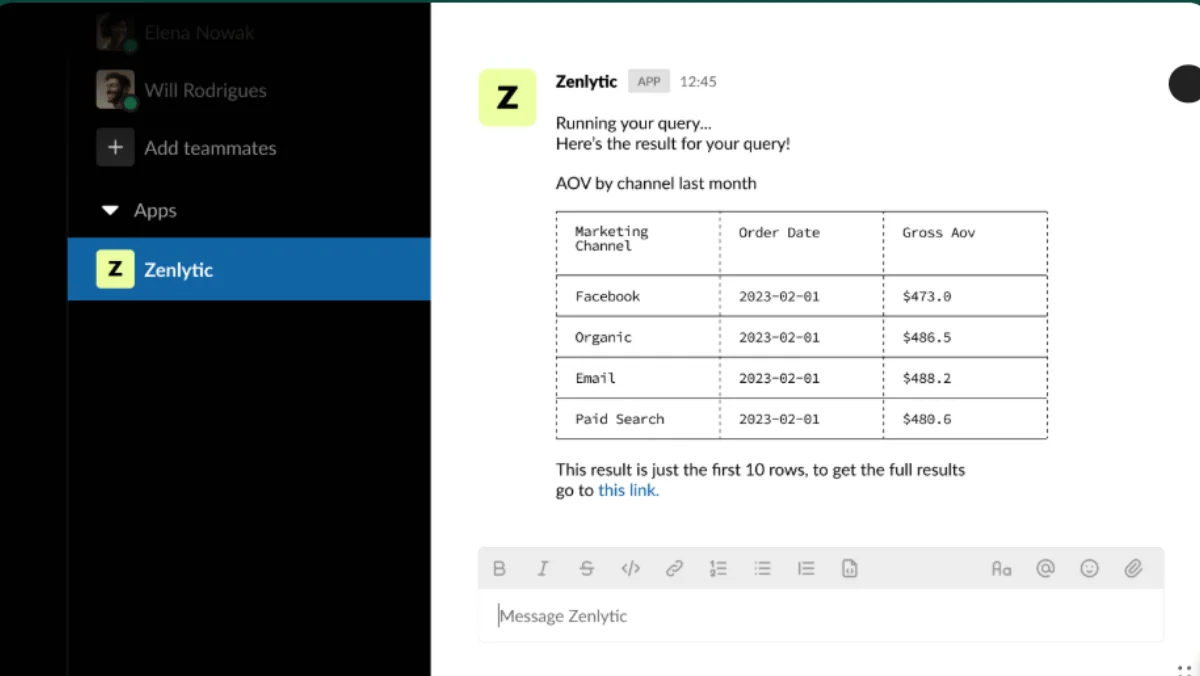
- Natural Language Queries: You should ask questions in plain English without learning SQL syntax. Conversational interfaces for analytics democratize data access across all your teams.
- AI-Powered Insights: The best tools suggest relevant metrics, detect anomalies automatically, and surface patterns hidden in data.
- Intuitive Data Exploration: Each user needs to drill down, filter, and pivot to explore data further without training sessions.
- Collaboration Features: Your teams need to share insights, comment on dashboards, and export reports without friction.
10 Leading Self-Service Analytics Tools
The ten platforms below range from legacy BI tools to modern analytics agents. Here’s what each does well on the analytics front:
1. Zenlytic
Unlike the traditional self-service BI tools listed, Zenlytic represents the next evolution: an analytics agent. While self-service tools still require users to know what questions to ask and how to navigate interfaces, Zoë acts as an AI data analyst who guides exploration and complex questions in natural language. You ask Zoë, “Why did churn increase in Q4?”, and she explores data, identifies patterns, and explains her reasoning.
Our Clarity Engine ensures Zoë delivers each time. Unlike traditional semantic layers that require extensive upfront modeling, the Clarity Engine learns as your team asks questions, delivering immediate value while becoming more accurate.
What separates Zoë from other AI analytics tools is how she builds trust in several ways:
- Citations for Full Transparency: Every metric shows exact data sources, so your teams and leaders can verify calculations through complete data lineage.
- Memories for Consistency: Zoë gives the same answers across your organization because she learns your company’s specific definitions.
- Clarity Admin for Governance: Your data team maintains control without sacrificing flexibility, while business users explore data freely.
Get a demo today to see how conversational analytics transforms your decision velocity.
2. Microsoft Power BI
Microsoft Power BI connects seamlessly with the Microsoft ecosystem. The drag-and-drop interface feels familiar to Excel users and offers a smooth data analysis experience. The main limitation is that Power BI works best as a visualization layer rather than a true exploratory analytics platform.
3. Tableau
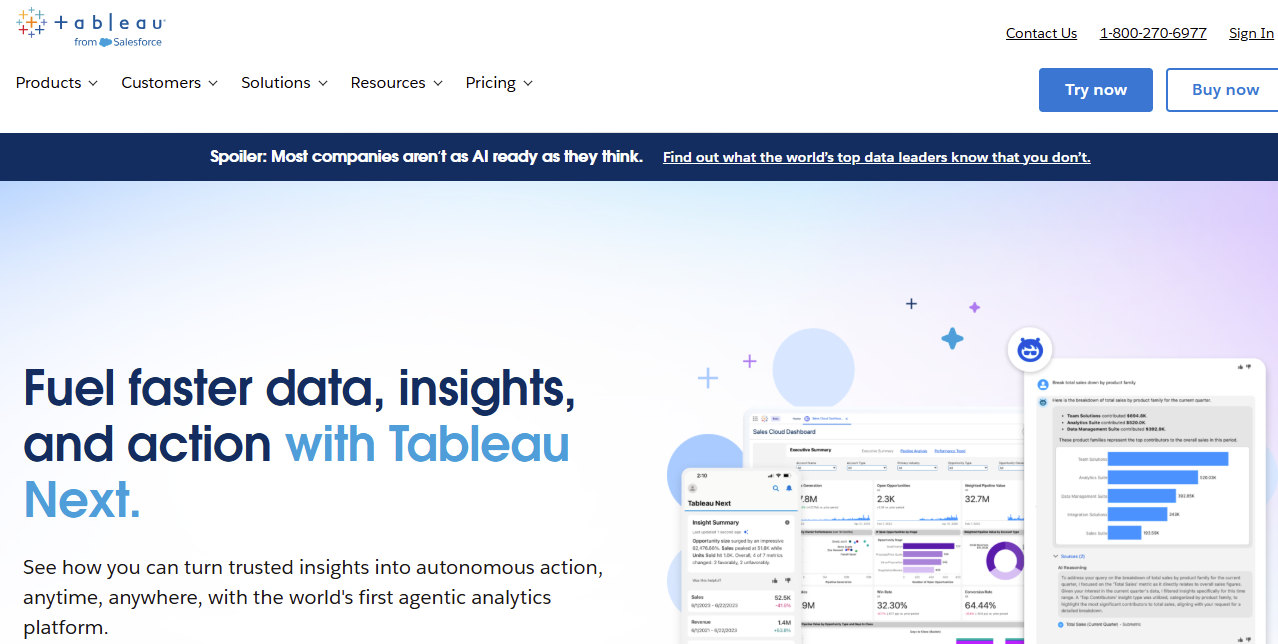
Tableau earned its reputation through best-in-class data visualization. The platform lets analysts create interactive dashboards with sophisticated calculations. However, Tableau requires significant training investment before business users become productive. More critically, it answers “what happened” but struggles with “why” questions that require deeper exploration and that would take a data analyst hours to answer.
4. Looker
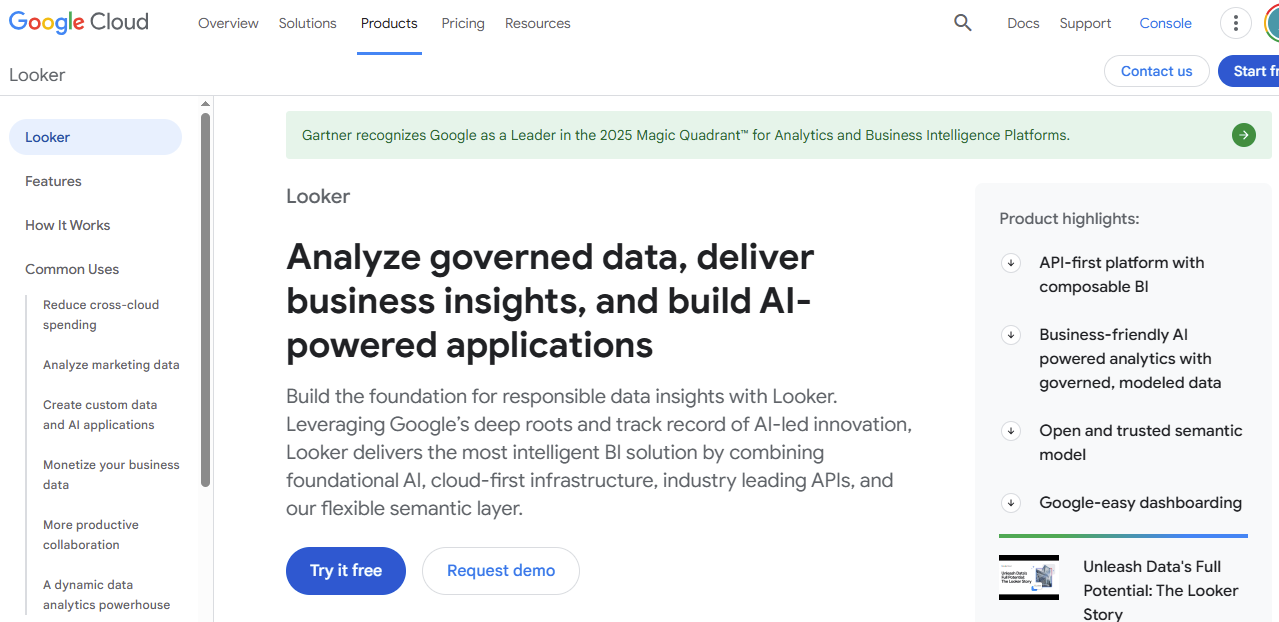
Looker builds everything on LookML, a modeling language that defines metrics in code. The language ensures consistency because all reports pull from the same governed definitions. The downside for many teams is that the LookML requirement creates a steep learning curve.
5. ThoughtSpot
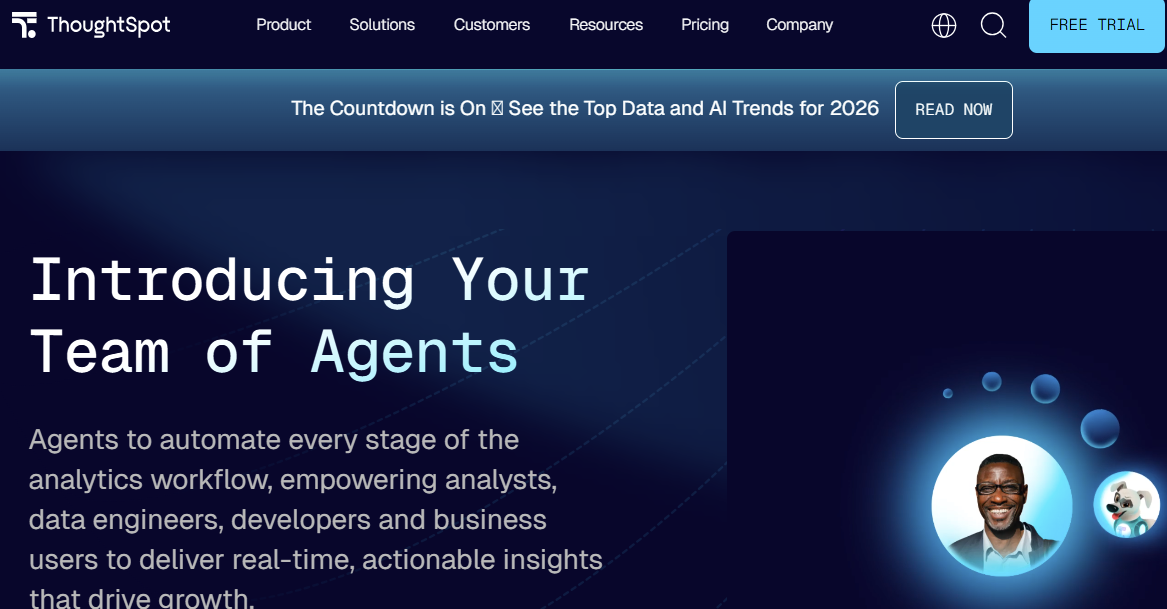
ThoughtSpot positions itself around search-driven analytics, where users type queries as they do on Google. The platform uses in-memory computation for sub-second performance, which enables faster data insights. The main challenge is that search quality depends heavily on proper data modeling.
6. Amazon QuickSight
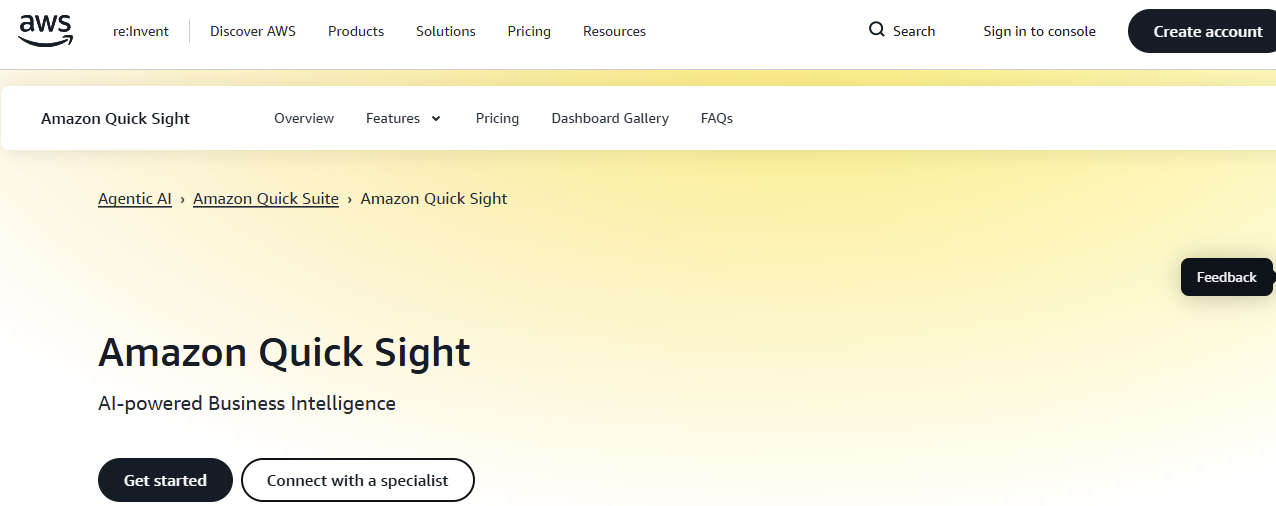
Amazon QuickSight provides a cloud-native BI service integrated with the AWS ecosystem. The platform uses machine learning to generate automated insights and detect anomalies across your datasets. QuickSight connects to AWS data sources such as Redshift, RDS, and S3, and supports connections to non-AWS databases and SaaS applications. You can also embed dashboards into applications with customizable branding.
However, QuickSight works best for organizations already heavily invested in AWS infrastructure, and non-AWS users may find it offers limited value compared to platform-agnostic alternatives.
7. Sisense
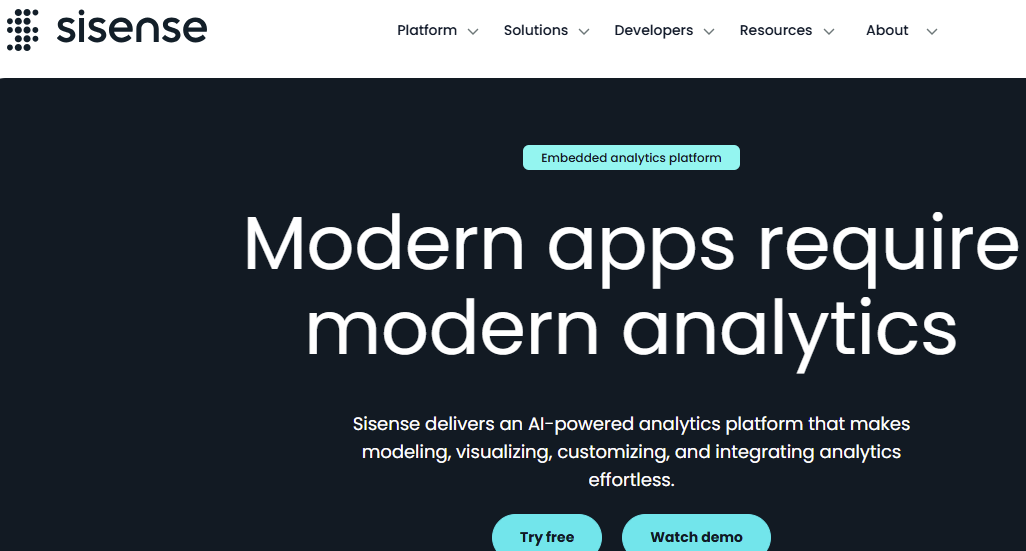
Sisense combines data preparation, modeling, and visualization designed for embedded analytics. Many SaaS companies use Sisense to build customer-facing dashboards with white-labeling options. However, Sisense requires significant IT involvement for initial setup and ongoing maintenance.
8. Zoho Analytics
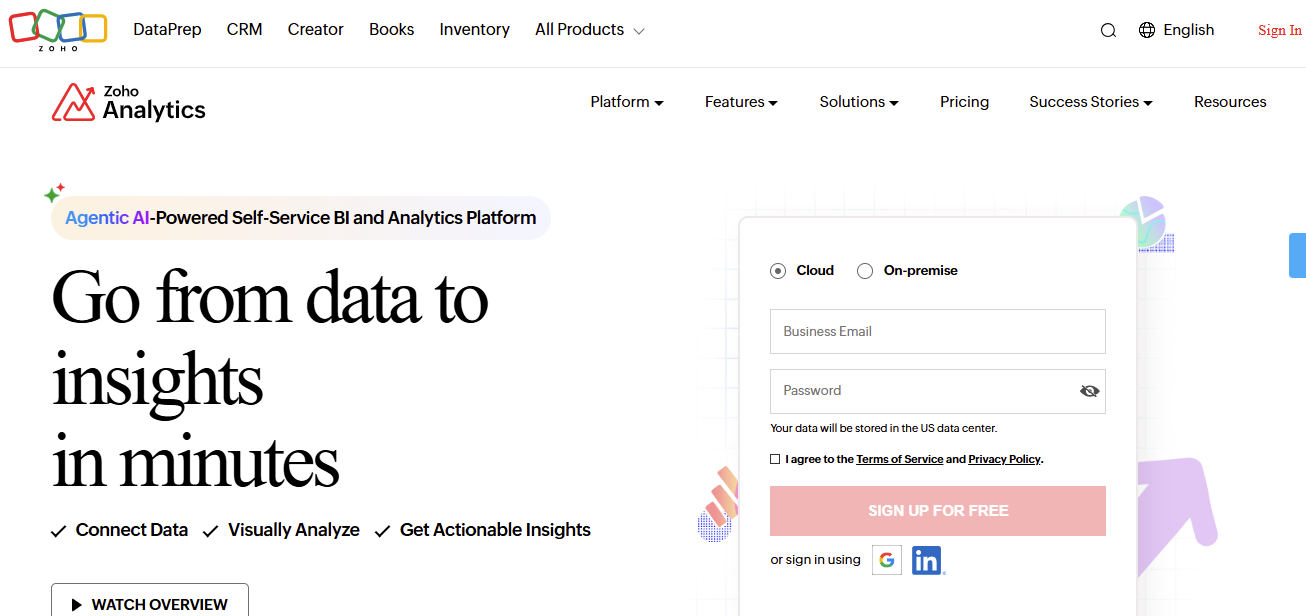
Zoho Analytics offers an affordable entry point with over 500 pre-built connectors to common business applications. The drag-and-drop interface makes creating basic charts easy, which increases access to processed data. The problem is that it works best for departmental use cases rather than enterprise-scale analytics.
9. Yellowfin
Yellowfin emphasizes data storytelling through narrative-driven presentations. The platform combines dashboards and storyboards to guide viewers through insights. While it serves mid-market organizations well, Yellowfin lacks the advanced features large enterprises require.
10. GoodData
GoodData provides an analytics platform that focuses on embedded use cases with strong white-labeling capabilities and a multi-tenant architecture. The platform works best for embedded scenarios but can feel overly complex for organizations that primarily need internal analytics.
Common Use Cases for Self-Service Analytics Software
Understanding where self-serve platforms deliver value helps you prioritize implementation where your business or organization can benefit the most. Here are some applications across technology, retail, and manufacturing industries:

- Retail Performance and Customer Analytics: Your merchandising teams can analyze inventory turnover and seasonal demand patterns. Store operations managers can compare performance across locations. Your marketing team can explore customer lifetime value and campaign attribution to allocate budget effectively.
- Sales and Revenue Operations: Sales operations teams can analyze pipeline health and deal velocity to forecast accurately. For example, self-serve access means leaders can dig into why regions underperform during pipeline reviews.
- Technology and Software Development Analytics: Your engineering teams can track sprint velocity and bug resolution rates, while product managers can explore user adoption patterns for new features and identify friction points. Your DevOps teams can analyze system performance metrics and infrastructure costs without waiting for data analysts.
- Customer Success and Support Metrics: Customer success teams can track the health of customer accounts and how they are likely to be renewed. Self-serve analytics lets you identify at-risk accounts early and prioritize outreach efforts to avoid churn.
- Manufacturing Operations and Quality Analytics: Your production managers can track equipment usage and throughput rates, while quality control teams can identify defect trends and monitor compliance metrics. Your supply chain teams can explore supplier performance and variability in lead times.
How to Choose the Right Self-Service Analytics Tool
Your selection process should focus on practical factors that determine whether business users will actually adopt the platform. Here’s what to do:
- Evaluate Your Team’s Technical Maturity: Organizations with strong data engineering teams can handle platforms that require more setup. If your business users have limited technical skills, go for a tool with a natural language interface.
- Assess Your Data Infrastructure: Your chosen platform must connect to your existing data warehouse without custom development.
- Define Your Data Governance Needs: Industries with strict compliance need platforms that enforce data access controls and audit trails. Look for a tool that balances data exploration with security guardrails.
- Consider Your Industry Use Cases: Technology companies need different capabilities than retail or manufacturing organizations. Ensure you map your primary use cases to the strengths of the platform you choose.
- Test With Real Users: Pilot the platform with actual business users who will use the tool daily. If your marketing manager can’t get answers independently, the platform isn’t truly self-serve.
- Calculate the Total Cost of Ownership: Factor in implementation time, training requirements, and ongoing maintenance beyond licensing fees.
Best Practices for Implementing a Self-Service Analytics Platform
Successful rollouts require more than just installing software. You’ll want to model proven implementation aspects to improve your chances of success. Let’s explore some tried-and-tested strategies:
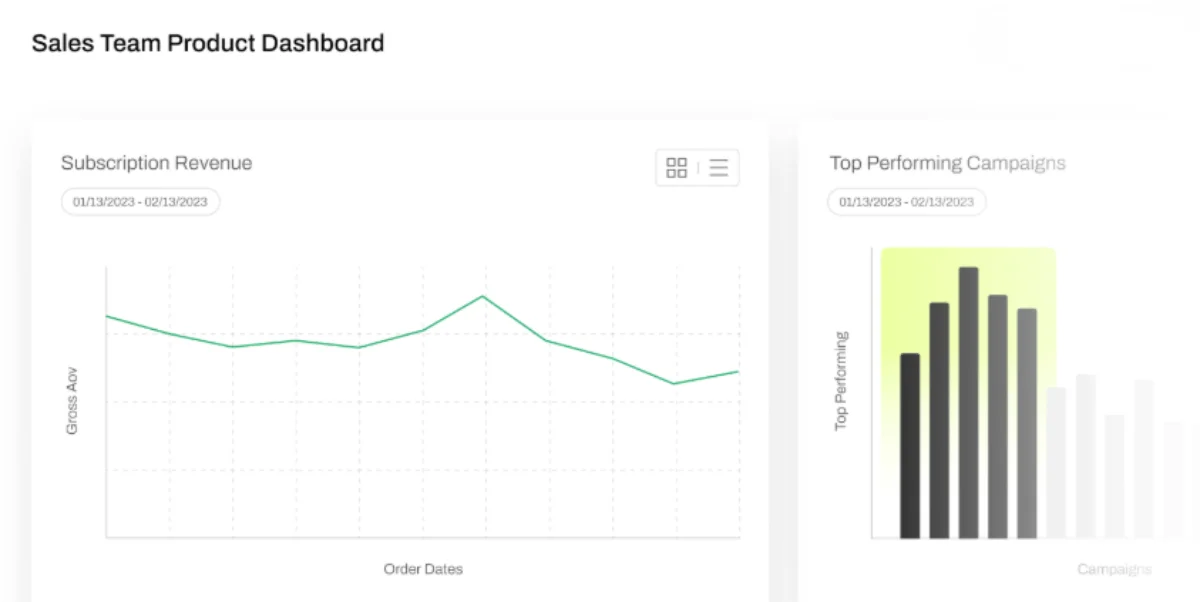
- Start with a Clear Data Model: Invest time in building a semantic layer that defines metrics consistently to prevent confusion on what every number means.
- Build Strong Data Governance From the Start: Set clear policies regarding who can access what data and how metrics are defined to enable safe exploration.
- Create a Center of Excellence: Designate power users in each department who serve as go-to resources for other team members.
- Track Adoption Metrics: Track which features users leverage, where they get stuck, and what questions they ask most frequently.
- Train Users Beyond Tool Features: Teach every user how to ask good analytical questions, interpret results critically, and recognize data quality issues.
- Iterate Based on Feedback: Collect feedback regularly from data teams and business users about their pain points, then prioritize improvements that remove the respective barriers.
Frequently Asked Questions (FAQs)
Your decision process will definitely raise questions about security, integrations, and team dynamics. Here are answers to common questions:
Are Cloud-Based Self-Service Analytics Tools More Secure?
Cloud platforms often provide stronger security than on-premises deployments because vendors invest heavily in infrastructure protection and compliance certifications. Your team gets enterprise-grade security without having to manage it directly. Most reputable platforms ensure compliance with SOC 2, HIPAA, and GDPR.
What Integrations Are Typically Available in These Tools?
Modern self-serve platforms connect to major cloud data warehouses such as BigQuery and Redshift through native connectors. You’ll find pre-built integrations for SaaS applications, including Salesforce, HubSpot, and Google Analytics. Most platforms usually offer API access for custom integrations.
Can Self-Service Analytics Tools Replace Data Teams?
Self-serve data analytics platforms empower business users, but don’t eliminate the need for data professionals. Your data team shifts from answering repetitive questions to building better infrastructure and solving complex challenges. Self-serve tools amplify your data team’s impact rather than replacing them.
Conclusion
Self-service analytics tools transform how your organization accesses data by putting insights directly in the hands of business users or non-data teams. The right platform eliminates bottlenecks where teams wait days for answers, which means you make decisions faster and respond to changes immediately.
Your success depends on selecting a platform that matches your organization’s technical maturity. The key is ensuring business users can actually self-serve without constant IT support or SQL knowledge.
We built Zenlytic differently because exploratory analytics requires conversations in everyday language. As an AI data analyst, Zoë explains her reasoning and cites her sources to build the trust your teams need. Our Clarity Engine learns from your questions and delivers consistent answers.
Schedule a demo today to discover how conversational analytics accelerates your decision velocity.