

You probably did not start looking for a Tableau alternative because it drew a bad chart. You started because every real question still ended up in the data team’s queue.
Tableau is a capable visualization tool. The friction shows up later: the license math, the learning curve, and the fact that a dashboard tells you what happened without telling you why or what to do next.
This guide breaks down eight alternatives worth evaluating, grouped by what you are actually trying to replace, so you can shortlist the two or three that fit your stack, your team, and how much you need to trust the answer.
TL;DR: The 8 Tableau Alternatives at a Glance
The eight tools below, and who each one fits, for anyone scanning before a full read:
- Zenlytic: An AI Data Analyst that answers questions with cited reasoning, not another dashboard to build.
- Power BI: Legacy BI for Microsoft-stack teams that want a low entry price.
- Looker: Warehouse-native Legacy BI for governed, consistent metrics.
- ThoughtSpot: Search-style analytics for non-technical users.
- TextQL: An AI layer that turns plain-language questions into SQL over your existing stack.
- Wisdom AI: Conversational analytics on governed warehouse data.
- Snowflake Intelligence: AI questioning inside a Snowflake-native stack.
- Databricks Genie: Natural-language questions on the Databricks lakehouse.
Why Teams Outgrow Tableau
The reasons rarely come down to a single feature. They stack up.
Cost is the first pressure point. Tableau’s licensing adds up as you scale seats, and the extract and modeling work that often comes with it adds more.
Then there is the learning curve. Building polished, performant views takes real skill, which pushes most requests back to a small group of specialists.
The deeper issue is the model itself. A dashboard answers a fixed question well, but the follow-up (why did the Northeast dip, and what should we do about it?) still lands on an analyst’s desk. Harvard Business Review has argued for years that the biggest barriers to using data are cultural, not technical, and a request queue is exactly that kind of barrier.
Tableau has added an AI layer, Tableau Agent, to help. It speeds up building and summarizing, but the underlying loop is still: build a view, then interpret it.
That gap is why the alternatives below split into three groups: Legacy BI you build on, AI agents that do the analysis, and AI that lives inside your warehouse.

How to Choose a Tableau Alternative
Start with one question before you compare features.
What are you actually replacing: the tool you build dashboards in, or the analysis itself?
If you need to keep building and sharing visual reports, a Legacy BI tool is a like-for-like swap. If the real bottleneck is that people cannot get answers without an analyst, a dashboard tool will not fix it. You need something that does the analysis and shows its work.
From there, match on three things:
- Your stack. Warehouse-native options fit teams already committed to Snowflake, Databricks, or BigQuery.
- Your team’s skill level. Some tools assume someone maintains a data model. Others learn the context themselves.
- How much you need to trust the answer. When an AI returns a number, can it show where that number came from?
That last point matters more than it sounds. Research on how data-driven decisions go wrong shows that leaders tend to either trust an analysis blindly or dismiss it outright, and both are risky when you cannot see the reasoning. An answer you cannot trace is hard to act on.
8 Tableau Alternatives Worth Evaluating
Eight options across those three groups, with who each one fits and where it falls short:
1. Zenlytic
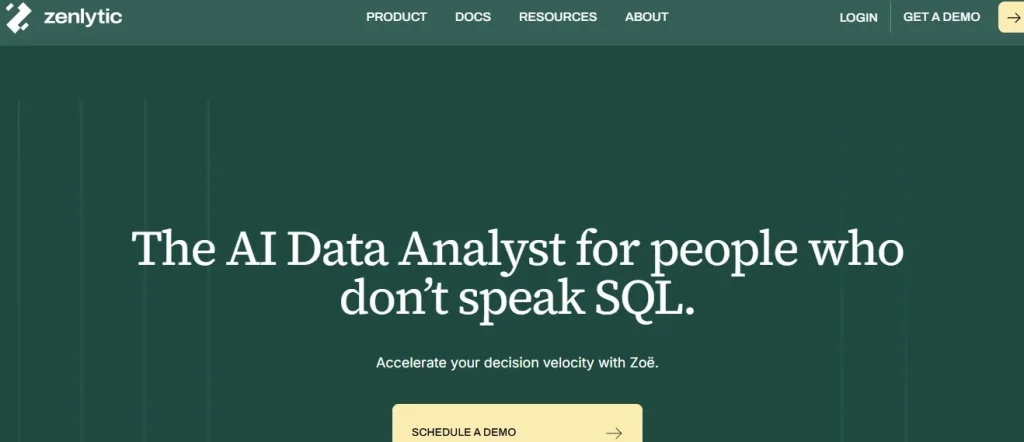
Best for teams that want trusted answers with the reasoning shown, not another set of dashboards to maintain.
Zenlytic is an analytics agent, an AI Data Analyst rather than a dashboard tool. Its analyst, Zoë, answers business questions in plain language, explains how she reached the answer, and cites the data lineage behind every number.
Where Tableau asks someone to build a view and then read it, Zoë does the analysis and returns the answer with the reasoning attached. After the warehouse is connected, she learns from how the team asks questions and builds and maintains her own context, so there is little upfront modeling to babysit. That approach is covered in Zoë’s self-learning engine.
Definitions can be locked once so the same question returns the same answer for everyone, and outputs can land as living Artifacts that refresh instead of going stale.
See what a cited answer looks like on your own data. See Zoë in action.
2. Power BI
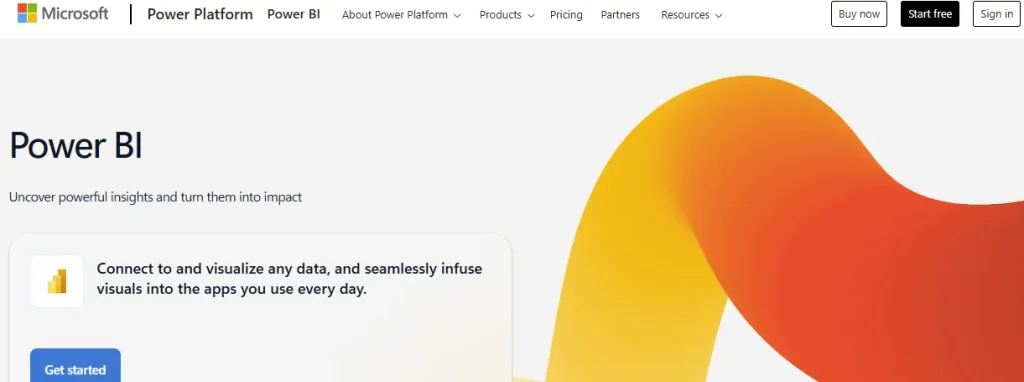
Best for Microsoft-stack teams that want a lower entry price and tight Office integration.
Power BI is Legacy BI from Microsoft, with native ties to Excel, Azure, and Teams and a low per-seat entry point. If your organization already runs on Microsoft 365, it consolidates identity, sharing, and licensing in one place.
The trade-offs are a modeling language, DAX, that takes time to learn and, like Tableau, a build-and-read-dashboards workflow rather than ask-and-get-an-explained-answer. For that specific contrast, see Zenlytic compared with Power BI.
3. Looker

Best for warehouse-native teams that want governed, consistent metric definitions.
Looker, part of Google Cloud, is a Legacy BI tool built on a modeled semantic layer. Metrics are defined once and reused, which keeps numbers consistent across reports and fits teams already on BigQuery or a modern warehouse.
The trade-off is the modeling itself. That consistency depends on upfront and ongoing work to build and maintain the model, and the day-to-day experience is still dashboard-first.
4. ThoughtSpot

Best for non-technical users who want to type a question and get a chart back.
ThoughtSpot helped popularize search-style analytics, with natural-language search and AI-generated insights aimed at business users. It is a solid option for self-serve exploration on a well-prepared data source.
The trade-off is that results still lean on how well the underlying data is modeled, and it sits closer to search over dashboards than to an agent that explains its full reasoning. See Zenlytic compared with ThoughtSpot.
5. TextQL

Best for teams that want an AI layer translating plain-language questions into queries over their existing stack.
TextQL is an AI analytics tool that turns natural-language questions into SQL against a defined model of your data. It appeals to teams that want conversational access without replacing the warehouse they already run.
The trade-off is common to text-to-SQL approaches: the quality of the answer depends on how well the underlying context is defined and how clearly the tool shows its work.
6. Wisdom AI

Best for teams that want conversational analytics on governed warehouse data.
Wisdom AI is an AI analytics tool focused on answering natural-language questions against a company’s own data. It chases the same shift many of these tools do, from building reports to asking questions.
When you evaluate it, weigh how it handles context, permissions, and explainability, since those are where conversational analytics tools tend to differ most.
7. Snowflake Intelligence

Best for Snowflake-native teams that want AI questioning inside the platform they already run.
Snowflake Intelligence, alongside Snowflake Cortex, brings AI-driven questioning to data already sitting in Snowflake. If your stack is Snowflake-centric, keeping the AI close to the data is convenient and reduces movement.
The trade-off is ecosystem lock-in. Hyperscaler AI features can be strong on convenience while still leaving the trust and explainability work to you.
8. Databricks Genie
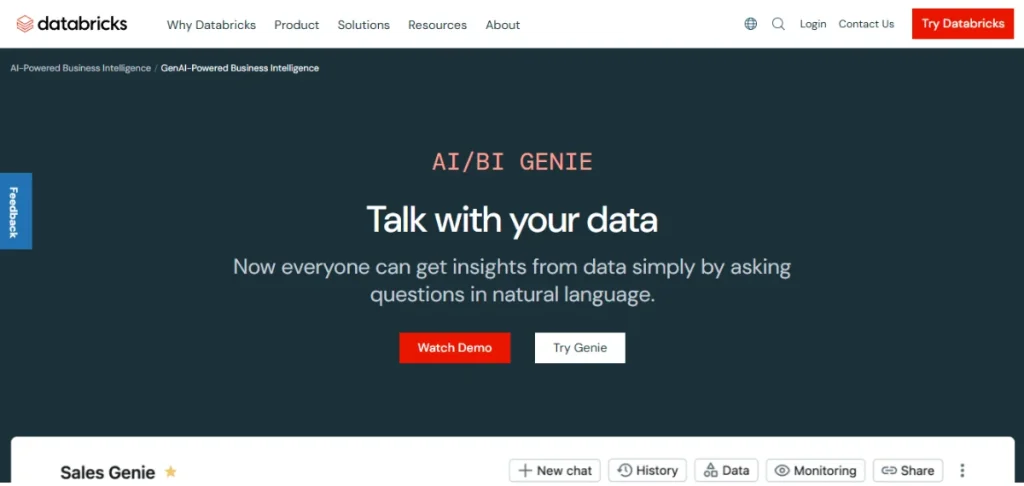
Best for Databricks lakehouse teams that want natural-language questions on their own platform.
Databricks Genie adds a conversational, natural-language interface to data in the Databricks lakehouse. For Databricks-centric teams, it keeps analysis inside a familiar environment.
The trade-off mirrors other warehouse-native AI: you stay inside one ecosystem, and the same questions about lineage and trust in the answer still apply.
Frequently Asked Questions
A few questions that come up when teams weigh a move off Tableau:
Is There a Free Tableau Alternative?
Yes. Several open-source BI tools are free to license. Free to license is not free to run, though.
Budget for hosting, maintenance, and the engineering time to keep them healthy, which is the real total cost of ownership.
What Is the Best Tableau Alternative for a Snowflake or Databricks Stack?
It depends on what you want back. Warehouse-native options like Looker, Snowflake Intelligence, or Databricks Genie keep analysis close to the data.
If the goal is answers with the reasoning shown rather than more dashboards to build, an AI Data Analyst that connects to your warehouse is worth evaluating.
Do I Have to Rebuild All My Dashboards to Switch?
It depends on the type of tool. Moving to another Legacy BI tool usually means rebuilding your views in the new platform.
Moving to an analytics agent changes the model from building reports to asking questions, so there is far less to recreate.
What Is the Difference Between a Tableau Alternative and an AI Data Analyst?
A dashboard tool helps you build and read visual reports. An AI Data Analyst answers the question directly, in plain language, and explains how it got there with the data lineage behind the number.
One hands you a chart to interpret. The other hands you the interpretation.
The Right Alternative for Your Stack
The best Tableau alternative is not a single product. It is the one that matches what you are replacing and the stack you already run.
If you need to keep building visual reports, a Legacy BI tool like Power BI or Looker is the closest swap. If your team lives in Snowflake or Databricks, warehouse-native AI keeps things close to the data. And if the real problem is that questions still route back to the data team, the fix may not be another dashboard tool at all.
That last case is where an analytics agent earns its place: answers you can trust, with the reasoning shown, instead of one more report to maintain. Get trusted answers from your own data and book a Zenlytic demo.